1.Clean Up Your Machine
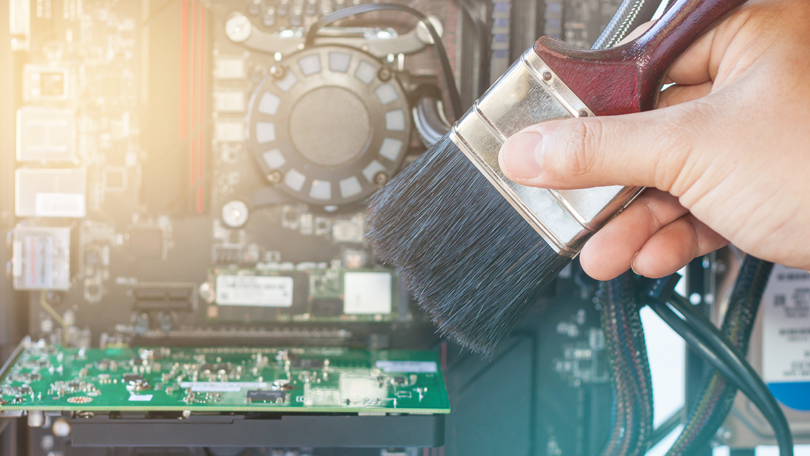
It’s not always apparent, but your computer is indeed a machine that needs certain physical care to operate properly. The biggest culprit when it comes to low performance is dust. Your computer has fans to keep it cool, and they suck that stuff up. Too much dust leads to too much heat leads to low performance. A can of compressed air (never a vacuum) is your weapon of choice. If you have a laptop (and let’s be real, you probably do), pay close attention to where you put it when you use it. Some laptops have fans that subtly vent out of the bottom or side of the case, and so placing your laptop on anything other than a hard, flat surface can block the intake or exhaust.
2. Clean Up Your Boot Process

Both Windows and macOS allow you to set some programs to automatically start up when you login. It’s handy when they are programs that you use every time you use your machine. But it’s a plague when programs you don’t want or need are booting up every time you turn on your computer.
Fortunately it is easy to remedy this by going to settings and reOn a Mac, go to System Preferences > Users and Groups > Login Items. Select any you don’t need running all the time and knock them off the list. The equivalent dialogue in Windows is called “Startup” and lives in the Task Manager.
3. Clean Up Your Hard Drive
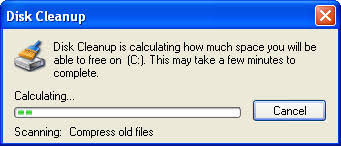
Over time, you accumulate a lot of applications and files you no longer use. It’s wise to occasionally take a moment to prune the main folders on your computer. Don’t forget to check the downloads folder—it fills up faster than you’d imagine, and the files there can be quite large. Also make sure to empty the Trash/Recycling Bin. But here’s the thing: Even if you do that, there are plenty of other files you don’t use that you can’t really keep track of—either because over time even the most fastidious person loses track of where they’ve saved everything, or because your computer squirrels away a lot of temporary files in places you can’t or don’t look at.
So your best bet is to get an app. For Mac, CleanMyMac is the leader for Apple computers. It costs $40/year, but you can get a free trial from its website. Newer versions of Windows have pretty good utilities for this built in. Storage Sense is an automated tool that lets Windows manage things for you; Disk Cleanup gives you a bit more control. Both are very, very useful.






 Anmol Techzone